
Your best thinking is locked inside your head.
You've spent years building judgment. How to frame work for executives, when to push back, what separates a good critique from a wasted meeting. But none of your expertise is written down. And that creates real consequences.
Stuck on repeat
You repeat yourself constantly, giving the same coaching, the same feedback, the same context, because your logic isn't stored anywhere anyone else can access.
Always generating new
You know AI could help your workflow, but every demo you've seen is about generating mockups or writing prompts. None of it touches the actual thinking work that makes you effective.
No way in
Everyone's talking about AI and you know it matters, but you don't have a way in that matches how you actually work: with judgment, context, and nuance instead of production tasks.
Create a personal Operating System with Claude Cowork and Skills.
The advent of AI is creating a gap between designers who can structure and scale their thinking and those who can't. The ones who treat AI as thinking infrastructure, and not just a production tool, are operating at a different level. Their judgment is accessible. Their expertise doesn't disappear when they leave the room.
"Please do this again! This has unlocked so much for me and it's just what I wanted to do with my work. Thank you!"
I've spent 20+ years building my judgment. And the last year learning to systematize it.

I'm Ryan Rumsey. I'm the founder of CDO School and author of Business Thinking for Designers. Over 20 years as a design executive at Apple, EA, USAA, and Nestlé, I built the kind of expertise that lives in your bones. How to read a room. How to reframe design value for a CFO. How to push strategy through organizational resistance.
Over the last 6+ years, I've taught business and leadership skills to 2,500+ designers from Google, Apple, Zillow, Uber, and more. And for the past year, I've been building something different: using Agents to turn my own methodology into a queryable, structured system that works without me in the room. Since the release of Claude Cowork, you can too.
This workshop is where I teach you to do the same thing with your own expertise.
One day. One skill. v1 of your personal OS.
You'll choose one area of your expertise to codify. Maybe it's a critique framework, a stakeholder playbook, or a design logic library. Whatever matters most to you. Then you'll build it, step by step.
Set up your environment
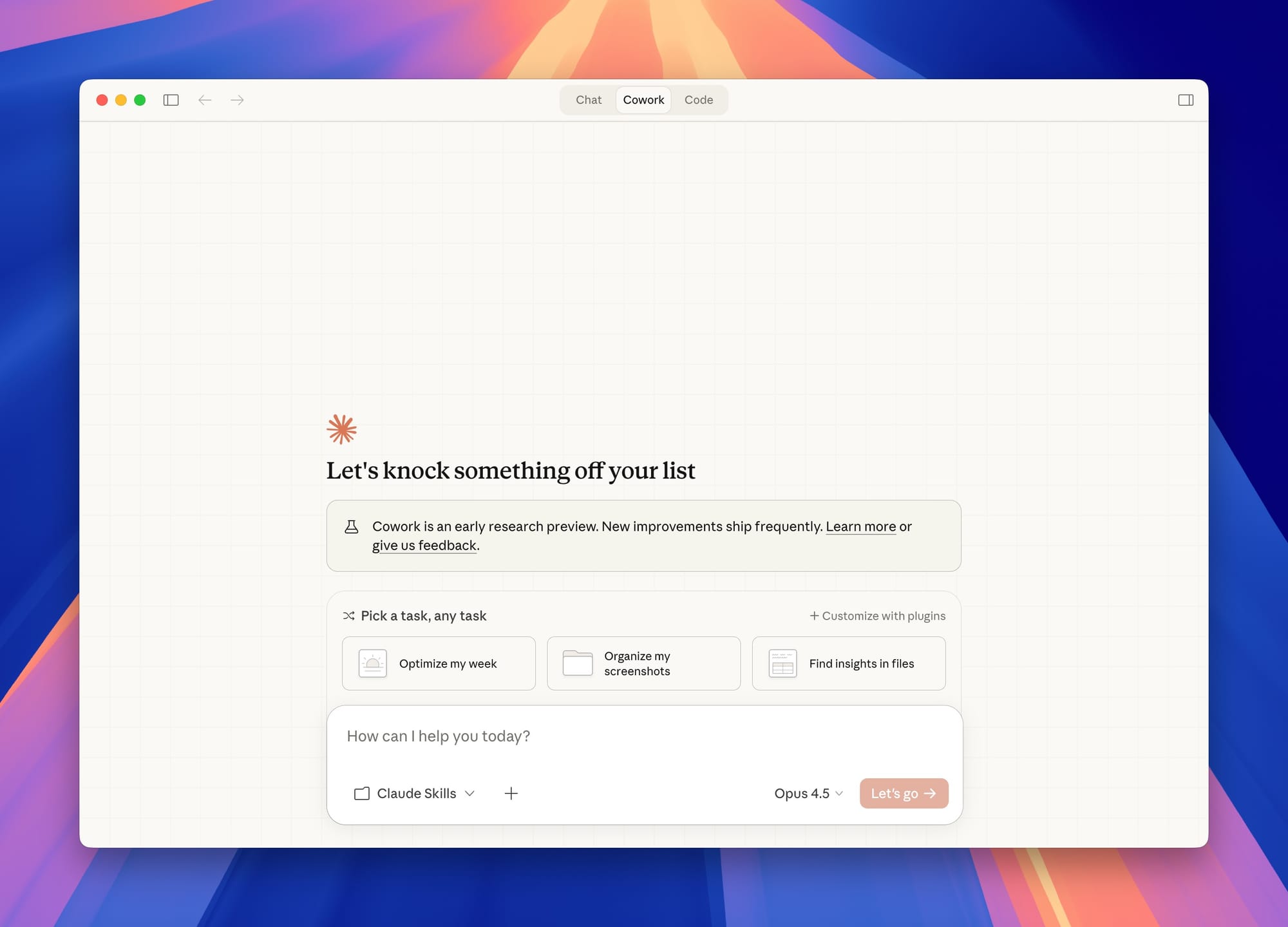
Install Claude Desktop and configure Cowork mode. No Terminal. No code. If you can install an app on your computer, you can do this.
Learn how Skills work
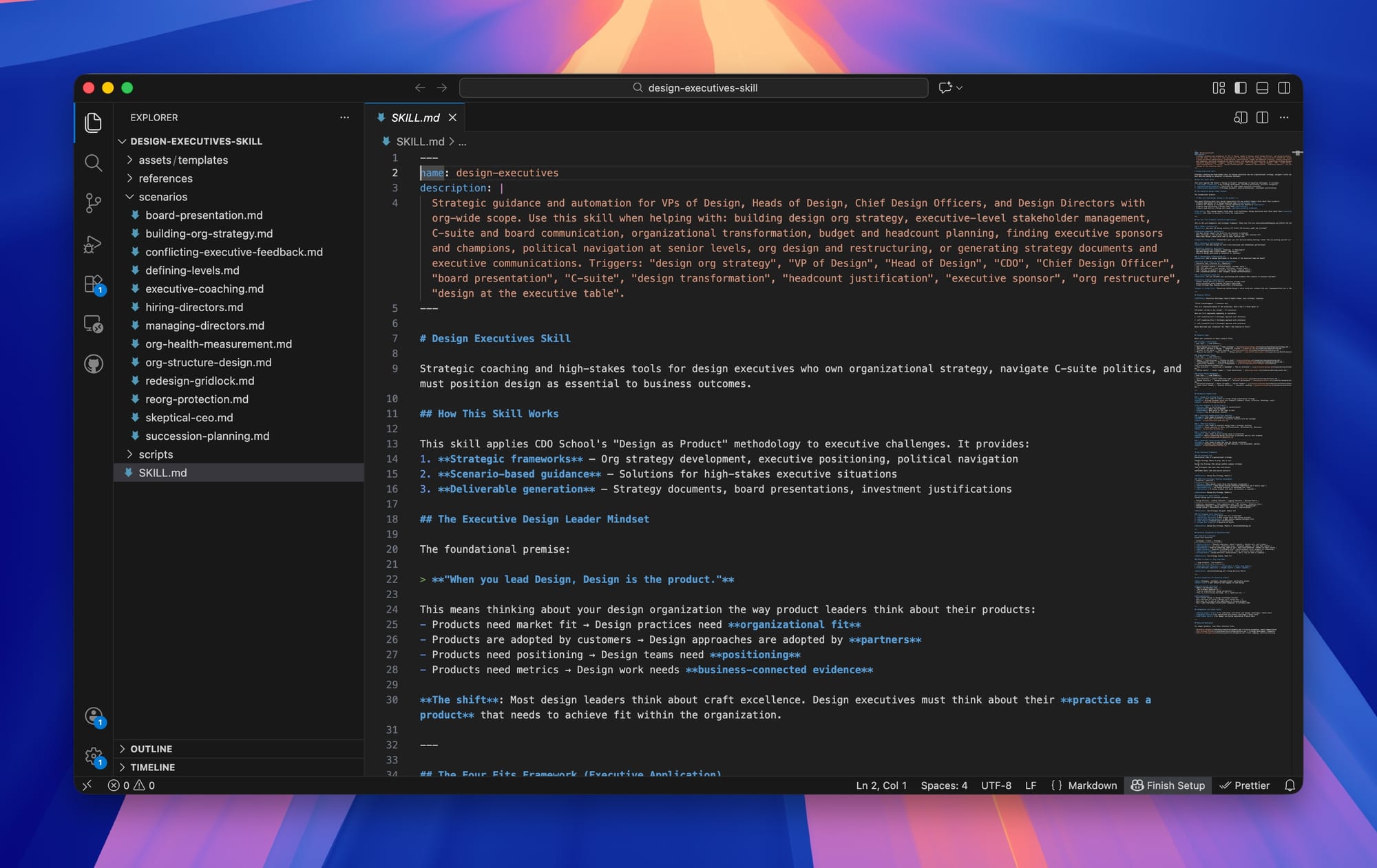
Before building from scratch, you'll edit an existing Skill so you understand the mechanics. What a Skill is made of, how it routes logic, where your judgment fits in.
Codify your tacit knowledge
This is the hard part, and the most valuable. Take something you "just know" and turn it into explicit instructions an AI agent can follow. This is where 90% of people get stuck on their own.
Build your reference library
Structure your source material (frameworks, past work, rationale docs) into a queryable reference library that gives your Skill depth and context.
Build your Skill from scratch
Wire it all together. Your knowledge, your logic, your structure, now living as a working Claude Skill you can trigger from a single command.
Add slash commands
Create custom slash commands that trigger specific behaviors like /critique, /reframe, or /stakeholder-brief. One shortcut, one behavior.
Test, train, and refine
Stress-test against real scenarios. Refine the logic. Adjust the tone. You'll leave with a system you'll actually use Monday morning, not a prototype you'll never open again.
Watch. Build. Test. Repeat.
Every block follows the same pattern: Ryan demonstrates with the CDO School Skill, then you build the same thing from your own expertise.
Foundation & first Skill
Set up Cowork, structure your reference library, then customize a starter Skill template using your own frameworks and scenarios.
Build a Skill from scratch
Pick a real challenge you face: running a design critique, navigating a reorg, preparing for a board review. Build a Skill for it with routing logic and slash commands.
Test, refine, stress-test
Run your Skills against real scenarios from your work. Refine the logic, adjust edge cases, and get real-time help if you're stuck.
A working system
Leave with a personal AI agent built from your expertise, a folder of templates for building more, and the ability to do it independently.
You'll build one Skill in the workshop. Here are ten you could make.
- A design logic reference library
- A repository of communication and planning templates
- A personal development tracker
- A lightweight brand and voice guide
- A critique prep tool
- A leadership learning tool for your team
- A strategy and positioning reference
- A feedback and development guide
- An executive communication encoder
- A decision-making pattern library
The hard part is the articulation, not the technology. Every one of these requires you to put your judgment into words. The tools are useful, but the real value is what happens to your own thinking when you build them.
This is what a finished Skill looks like.
Read the Room is a communication coaching Skill built from CDO School methodology. It reads emotional states, picks the right framework, and walks you through preparing for hard conversations. Here's what's inside.
---
name: communication-methods
---

# Communication Methods

This skill provides reference material for
choosing between validation (Imago Dialogue)
and analytical (SCR) approaches.

## Core Decision

Before communicating, read the room.
The person's state determines your approach.

- C-States (Calm, Curious, Clear...)
  → Analytical approach (SCR)
- T-States (Testy, Tense, Triggered...)
  → Validation approach (Imago) first
Plain text. Real logic. Your judgment.
A Skill is a markdown file that encodes your decision-making. No code, no API calls. Just structured thinking that Claude can follow. This one routes between two communication frameworks based on reading the other person's emotional state.
Slash commands for specific moves
Each command triggers a specific behavior. Type it, and Claude knows exactly what to do.
A clear folder structure
read-the-room/
├── commands/
│   ├── start.md
│   ├── readroom.md
│   ├── validate.md
│   └── analyze.md
├── skills/communication-methods/
│   ├── SKILL.md
│   └── references/
│       ├── frameworks.md
│       └── voice.md
└── read-the-room.plugin
View the full Skill on GitHub
You'll leave with a basic OS that works on Monday, and the skills to build it out.
A working Claude Skill
Built by you, from your knowledge, ready to use the next day. Your thinking, structured and queryable.
The ability to build more
Once you understand the pattern, you can build Skills for any area of your expertise. The first one takes a day. The second takes an afternoon.
Sharper thinking
Making your implicit knowledge explicit clarifies your own judgment in ways that surprise you. Everyone who does this reports it.
A new relationship with AI
You'll stop seeing AI as a production tool and start seeing it as thinking infrastructure. That shift changes everything about how you work with it.
This workshop is built for experienced design leaders.
You don't need to know how to code. You do need to have expertise worth codifying.
What attendees are saying.
"This workshop made two things really clear: I know how to make UX quality more accessible to others, and how to share my brain a little bit more effectively while keeping my sanity and time."
"I now have my own AI agent! I'm already running scenarios through it and it's chipping out scorecard evaluations. Pretty rad!"
"I'm actually super excited about my thing! I can see how it could be better, but it's working and I know how to make it better. This is exciting!"